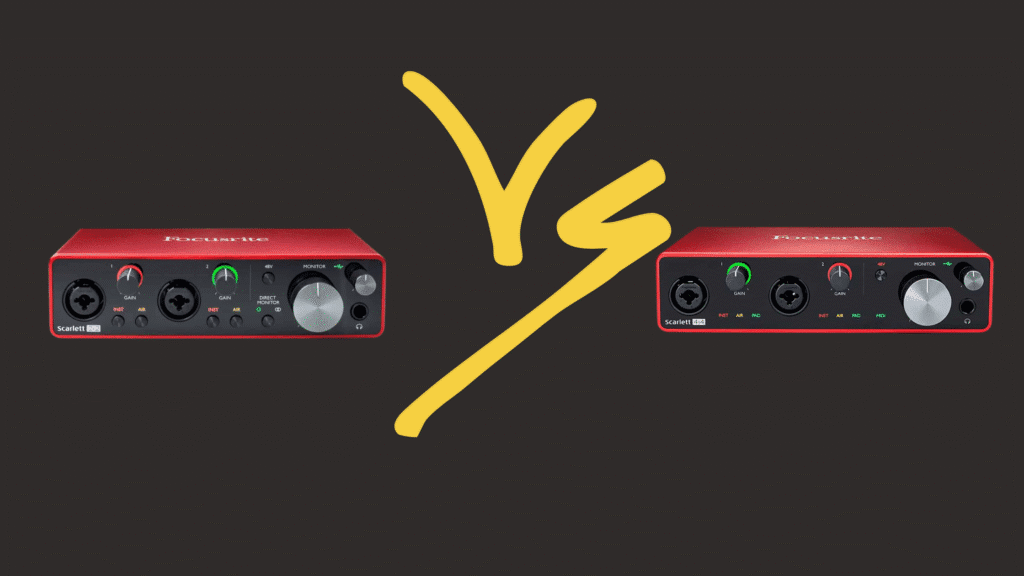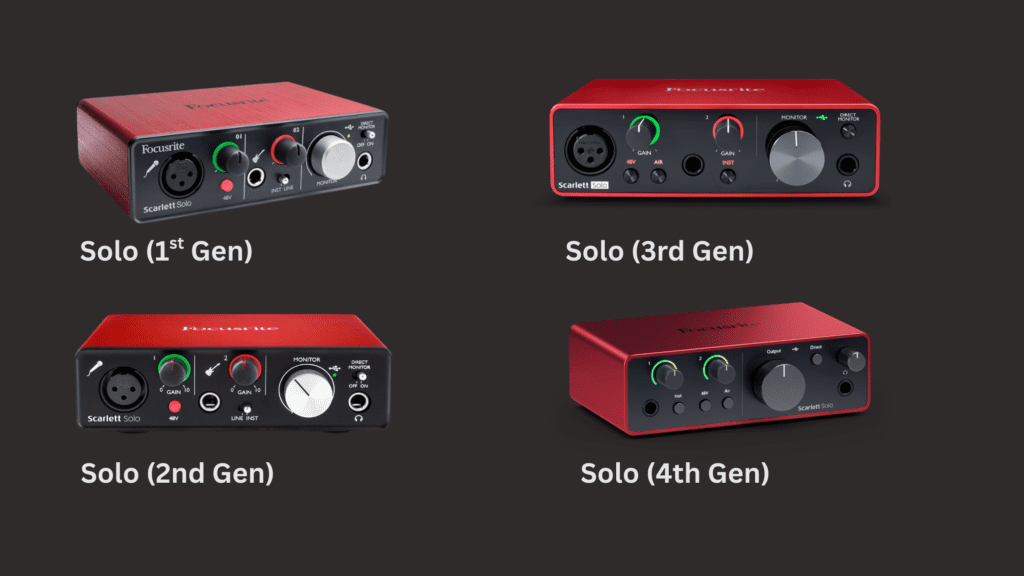
If you’re trying to decide between the 3rd generation and 4th generation Scarlett Solo, you might think they look almost identical.
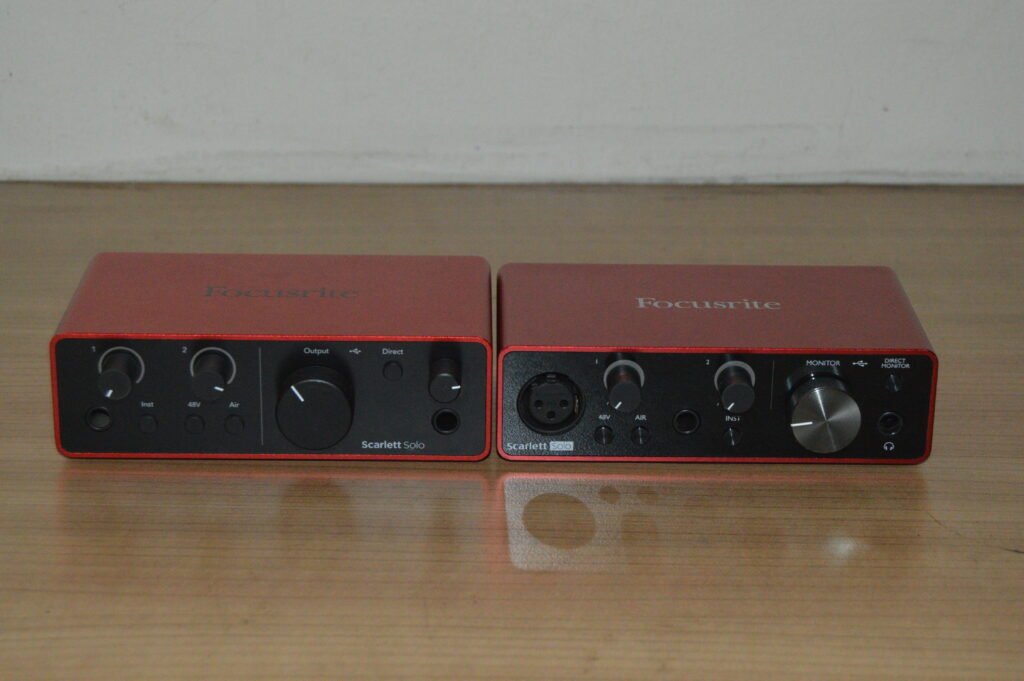
But once you hold them side by side — the differences become very clear.
In this article, we’ll break down:
- ✅ Visual differences
- ✅ Build and layout changes
- ✅ Spec upgrades
- ✅ Real-world performance
- ✅ Who should buy which one
Let’s start with what you see first.
🎨 Visual & Design Differences
🔴 Scarlett Solo 3rd Generation
Front Panel
- Gloss black faceplate
- Focusrite logo positioned on the left
- XLR mic input at the front
- ¼” instrument input at the front
- 48V, INST and Direct Monitor buttons
- Slightly glossy gain knobs
Back Panel
- USB symbol icon (not written as “USB”)
- “Line Outputs” written in full
- “Right” and “Left” written fully
- Focusrite branding bottom-left
Top & Bottom
- Slightly lighter red top finish
- Rubber feet identical to Gen 4
- Similar base layout and labeling
🔴 Scarlett Solo 4th Generation
Front Panel
- Matte black finish (more modern look)
- Focusrite logo positioned on the right
- Mic input moved to the back
- Instrument input remains at the front
- Matte-finished knobs (match the body color)
Back Panel
- “USB” written clearly in text
- Cleaner layout
- “Outputs” instead of “Line Outputs”
- “L” and “R” instead of full wording
- Mic input (Input 2) located at the back
Top & Bottom
- Darker red / deeper matte tone
- Rubber feet almost identical
- Overall cleaner and more minimal aesthetic
🎙 Preamp & Gain Differences
This is where the real upgrade happens.
3rd Generation
- 56 dB of gain
- Clean and reliable preamps
- Air mode (adds brightness and presence)
4th Generation
- 69 dB of gain 🔥
- Redesigned preamp architecture
- Improved dynamic range
- Upgraded Air mode
- Auto Gain
- Clip Safe
That extra 13 dB of gain is important if you’re using dynamic microphones like:
- Shure SM7B
- Shure SM58
With the 4th Gen, you’re less likely to need a Cloudlifter or external gain booster.
🎧 Converter & Sound Quality Differences
| Feature | 3rd Gen | 4th Gen |
|---|---|---|
| Bit Depth | 24-bit | 24-bit |
| Sample Rate | 192kHz | 192kHz |
| Dynamic Range | 111dB | 120dB |
The 4th Gen offers significantly improved dynamic range.
What does that mean?
- Cleaner recordings
- More detail in quiet passages
- More headroom before clipping
- Slightly more polished sound
If you’re recording vocals, podcasts, or doing serious mixing work, this upgrade matters.
🎚 Monitoring & Headphone Output
3rd Gen
- Direct Monitor on/off button
- Good headphone output
4th Gen
- Direct Monitor
- Stronger headphone amp
- Cleaner output at higher volumes
If you’re testing microphones or studio monitors in your room, the 4th Gen has a slightly stronger monitoring stage.
🧠 Smart Features (4th Gen Only)
The 4th Gen introduces modern features designed to protect your recordings:
Auto Gain
Automatically sets the correct gain level for your mic.
Clip Safe
Prevents clipping by automatically adjusting gain in real time.
For beginners, podcasters, or artists who record themselves — this is a huge advantage.
🏆 Which One Should You Buy?
Choose 3rd Gen If:
- You’re on a tight budget
- You record mainly with condenser mics
- You don’t need smart gain features
- You just want a solid, reliable interface
Choose 4th Gen If:
- You use dynamic mics
- You want more headroom
- You want modern safety features
- You want the best Scarlett Solo available right now
Final Verdict
Visually, the differences are subtle but noticeable.
Internally, the 4th Generation is a real upgrade — especially in gain, dynamic range, and smart features.
The 3rd Gen is still a great interface.
But the 4th Gen is smarter, stronger, and more future-proof.